
Your Business Runs on a Spreadsheet. Who Checks the Formulas?
Spreadsheets are fast, flexible and already on every desk. That is why they end up running work they were never built for. When one breaks, it rarely breaks loudly. It just gives a wrong number that looks right.
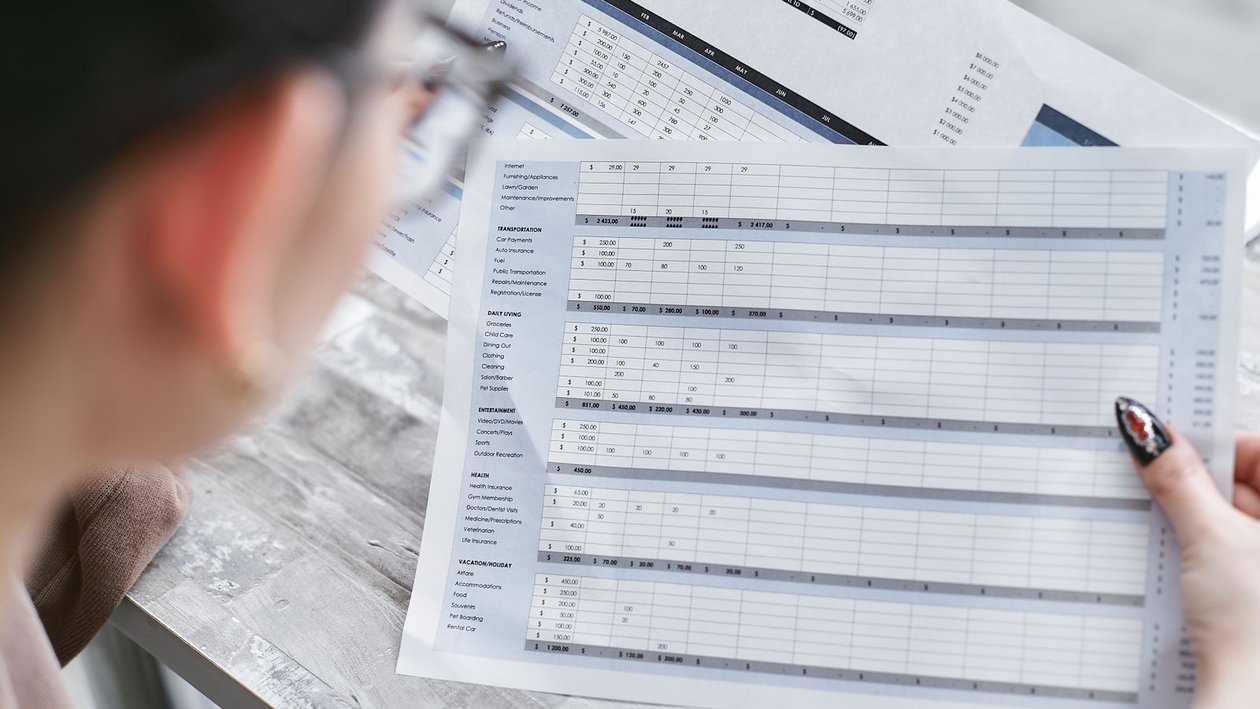
The file everyone depends on and nobody owns
Walk into almost any Oklahoma company and ask where a key number comes from. Sooner or later someone opens a spreadsheet. It might set prices for a sales team, work out commissions, track parts in a warehouse or build the monthly report that goes to the owner and the bank.
These files usually start small and sensible. Then they grow. New tabs get added, data gets pasted in from other systems, and formulas get copied down hundreds of rows. Years later the person who built it has moved on, and everyone else is afraid to touch it.
What the evidence says
Raymond Panko of the University of Hawaii has studied spreadsheet errors for decades. In a paper for the European Spreadsheet Risks Interest Group, he pulled together seven field audits of real business spreadsheets. Together they found errors in 24 percent of the 367 spreadsheets reviewed, but he notes that most older audits used methods unlikely to catch most errors. The more recent audits, using better methods, found errors in at least 86 percent of the spreadsheets they checked.
The same paper reports that in lab studies, 51 percent of spreadsheets had errors even though most were only 25 to 50 cells in size. The rate of wrong cells was at least 1 to 2 percent. That sounds small. In a file with a thousand formulas, it means ten or more wrong cells, and a single one can carry through to the final total.
Big organizations have paid for this in public. In 2012 JPMorgan Chase lost about $5.8 billion in the trade known as the London Whale. The bank's own task force report found that a key risk model ran through a series of Excel spreadsheets that had to be filled in by hand, copying and pasting data from one to the next. One formula divided by a sum where it should have divided by an average. The report says this likely muted the measure of volatility by a factor of two and made the risk look lower than it was.
In October 2020 the BBC reported that Public Health England failed to pass nearly 16,000 positive coronavirus cases to contact tracers. The cause was an old Excel file format. The older XLS format holds about 65,000 rows, and because each case used several rows, each file could only take about 1,400 cases. Anything past that limit was simply cut off. Newer Excel files hold 1,048,576 rows, according to Microsoft, but every tool has a limit somewhere.
Why spreadsheet errors go unnoticed
Wrong numbers look just like right numbers
A spreadsheet does not warn you when a formula points at the wrong cell or a range stops one row short. The total still appears, neatly formatted. People trust it because it looks finished.
Copy and paste is the data pipeline
Many reports depend on someone exporting data from one system and pasting it into a file every week. Each paste is a chance to grab the wrong date range, miss rows or paste over a formula. The JPMorgan report pointed to exactly this kind of manual step.
Nobody tests it
Software teams test code before it goes live. Spreadsheets that drive real money often get no review at all. The builder checks a few numbers by eye and moves on.
Silent cutoffs are the worst kind of error
When a file hits a size limit or a lookup fails to find a match, the spreadsheet often keeps going without the missing rows. Totals come out smaller but still believable. Add a simple row count check so you know every record made it in.
How to get your critical spreadsheets under control
- 1Make a list of the spreadsheets that set prices, pay people, track stock or feed reports to owners, lenders or regulators.
- 2Name an owner for each one who is responsible for changes and checks.
- 3Have a second person review the formulas in the most important files, starting with totals and lookups.
- 4Lock formula cells so people can enter data without overwriting the math.
- 5Add check cells that compare row counts and totals to the source system and turn red when they do not match.
- 6Replace manual copy and paste steps with a direct connection to the source data wherever you can.
- 7Move the files that have outgrown a spreadsheet into a proper database with reports built on top.
Not every spreadsheet needs to be replaced. Most should stay right where they are. The goal is to find the handful that carry real money or real decisions and give them the same care you would give any other system the business runs on.
What this means if you run a company in Oklahoma
Many Oklahoma firms are lean. One office manager or controller often keeps the key files running on top of a full time job. That is exactly the setup where a broken formula can sit for months, because there is no second set of eyes and no time to look.
If your bank, your board or your customers rely on a number, you should be able to say where it came from and how you know it is right. A short review of your most important spreadsheets is often the cheapest data project a company can do, and it usually finds something.
At Oklahoma Data Partners, we help Oklahoma companies find the spreadsheets that matter most, check the math, add simple controls and move the ones that have outgrown Excel into databases and reports that hold up. If a spreadsheet is running something important in your business, book a consultation.
Key takeaway
Most business spreadsheets that get audited contain at least one error. List the files that drive money and decisions, review and lock their formulas, add checks that catch missing rows and move the riskiest ones into a real database.
Frequently asked questions
Ready to get started?
Worried a spreadsheet is running something it should not? Book a consultation with Oklahoma Data Partners to review your critical files and decide which ones need a stronger home.
Founder, Oklahoma Data Partners
Don Karlos is a senior data engineer and database specialist who founded Oklahoma Data Partners to give Oklahoma organizations one partner for understanding their data (analytics, dashboards, data engineering) and for hiring the data people behind it. Oklahoma Data Partners is an Oklahoma-based, data-only firm with two equal pillars: data consulting and data talent recruiting. We help organizations stabilize critical databases, build reliable data pipelines, design scalable data architecture, and turn raw information into trusted business intelligence — and we help Oklahoma companies hire the permanent data professionals who keep those systems running.
About Oklahoma Data PartnersData consulting & data talent recruiting · Clean. Structured. Reliable.